> For the complete documentation index, see [llms.txt](https://help.blings.io/llms.txt). Markdown versions of documentation pages are available by appending `.md` to page URLs; this page is available as [Markdown](https://help.blings.io/apps/apps-workflow.md).

# Platform and Studio Workflow

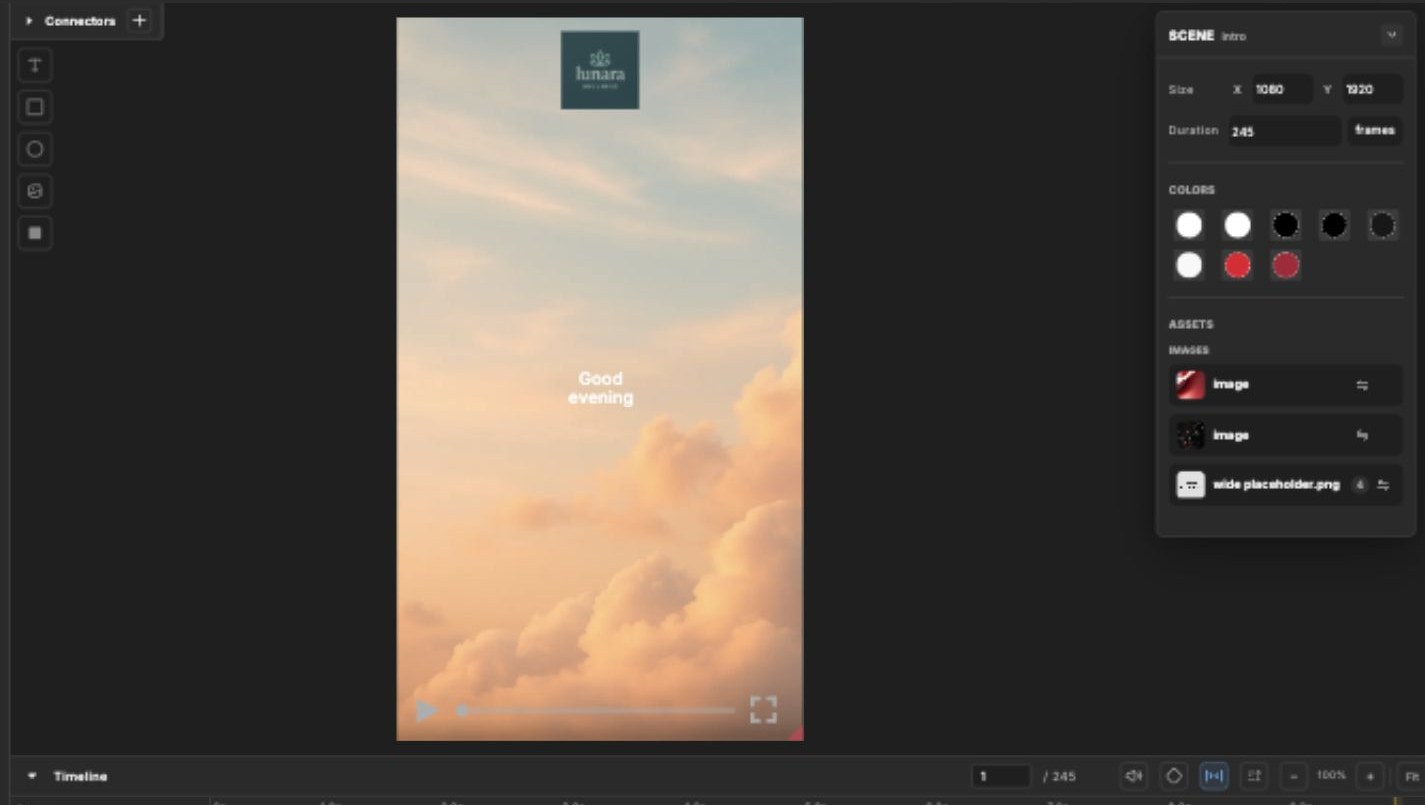
Blings Platform and Blings Studio work on the same MP5 project from different angles. Studio controls the creative experience itself: scenes, timing, visual assets, connector behavior, data bindings, flow maps, draft previews, and publishing. Platform controls the operational project layer: project health, editable content, data schema, live controls, simulation, integration, player behavior, analytics, and optimization.

Use this page to decide where a task belongs before opening the detailed Platform or Studio guide.

<table data-view="cards"><thead><tr><th></th><th></th><th data-hidden data-card-target data-type="content-ref"></th><th data-hidden data-card-cover data-type="files"></th></tr></thead><tbody><tr><td><strong>Build or change the MP5 experience</strong></td><td>Use Studio for scene structure, canvas review, layer timing, connectors, flow maps, draft preview, and publish controls.</td><td><a href="/pages/HJLmxqx5Lda9OQtaCUVd">/pages/HJLmxqx5Lda9OQtaCUVd</a></td><td><a href="/files/FB1cxr50b1rt3VPsgFA8">/files/FB1cxr50b1rt3VPsgFA8</a></td></tr><tr><td><strong>Operate and deliver the project</strong></td><td>Use Platform for analytics, editable content, data setup, simulation, integration links, player settings, catalog setup, form data, and optimization.</td><td><a href="/pages/vcNIkVG2DBfI7SBBBS8G">/pages/vcNIkVG2DBfI7SBBBS8G</a></td><td><a href="/files/rOIXeobg4a7mu9u87jeN">/files/rOIXeobg4a7mu9u87jeN</a></td></tr></tbody></table>

## Project Lifecycle

{% stepper %}
{% step %}

### Build the Creative Experience

Create or update the scenes, timing, assets, connector behavior, and draft flow in Studio.

{% content-ref url="/pages/OP39eyA0PwJI89NZYL0x" %}
[Editor Workspace](/apps/blings-studio/editor-workspace.md)
{% endcontent-ref %}
{% endstep %}

{% step %}

### Connect Data to the Experience

Use Studio connectors to bind text, media, color, visibility, and logic to Dynamic Data or Live Control values.

{% content-ref url="/pages/aW68QWx8104Pv6Dytu64" %}
[Connectors](/apps/blings-studio/connectors.md)
{% endcontent-ref %}

{% content-ref url="/pages/vF3GOo8viXK19zuT75hD" %}
[Data in Studio](/apps/blings-studio/data.md)
{% endcontent-ref %}
{% endstep %}

{% step %}

### Validate Data and Viewer States

Use Platform Dynamic Data, Live Control, and Simulate Personas to confirm that the same fields produce the expected viewer experience.

{% content-ref url="/pages/tcTMJOKSy05H4hRxVQ8F" %}
[Data, Catalog, and Forms](/apps/blings-platform/data-catalog-and-forms.md)
{% endcontent-ref %}

{% content-ref url="/pages/VkH17x1J2SH1VmvzEgwU" %}
[Simulation](/apps/blings-platform/simulation.md)
{% endcontent-ref %}
{% endstep %}

{% step %}

### Prepare Delivery

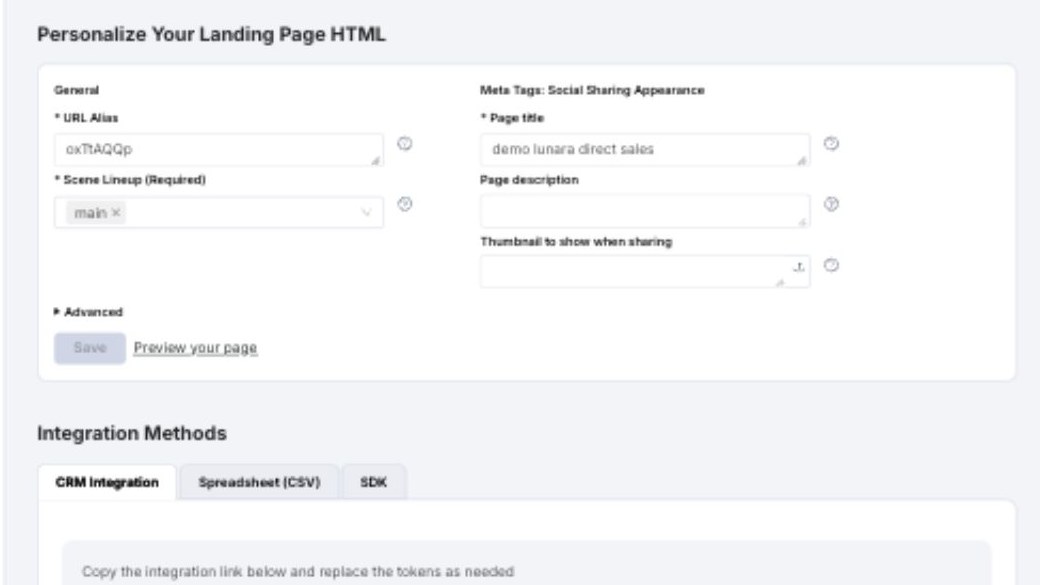
Use Platform Integration to configure landing-page delivery, CRM links, spreadsheet workflows, dynamic thumbnails, custom code, or SDK delivery.

{% content-ref url="/pages/x3JPpFV8w1i0Dwwm10bj" %}
[Integration](/apps/blings-platform/integration.md)
{% endcontent-ref %}
{% endstep %}

{% step %}

### Monitor and Improve

Use Platform Dashboard, Analytics, Settings, and Optimization to monitor usage, review conversion, tune the player, and improve variants.

{% content-ref url="/pages/15Y0k3Ob2rYei0wWF5ML" %}
[Dashboard and Analytics](/apps/blings-platform/dashboard-and-analytics.md)
{% endcontent-ref %}
{% endstep %}
{% endstepper %}

## Common Questions

<details>

<summary>Where do I change copy that is already exposed for business editing?</summary>

Use Platform **Edit Content** when the connector was enabled for Platform editing. Use Studio when the copy, connector behavior, or layer structure itself needs to change.

</details>

<details>

<summary>Where do I change data fields?</summary>

Use Platform **Dynamic Data** for project fields and defaults. Use Studio **Data** and **Connectors** to confirm how those fields drive scenes, media, text, colors, and visibility.

</details>

<details>

<summary>Where do I test what a viewer will see?</summary>

Use Platform **Simulate Personas** for data-specific preview, and Studio **View Draft** for draft review after creative edits.

</details>

<details>

<summary>Where do I publish?</summary>

Studio publishes creative and connector changes from the editor. Platform manages delivery settings, player behavior, integration, and post-launch measurement for the same project.

</details>