> For the complete documentation index, see [llms.txt](https://help.blings.io/llms.txt). Markdown versions of documentation pages are available by appending `.md` to page URLs; this page is available as [Markdown](https://help.blings.io/apps/blings-platform/platform.md).

# Platform Guide

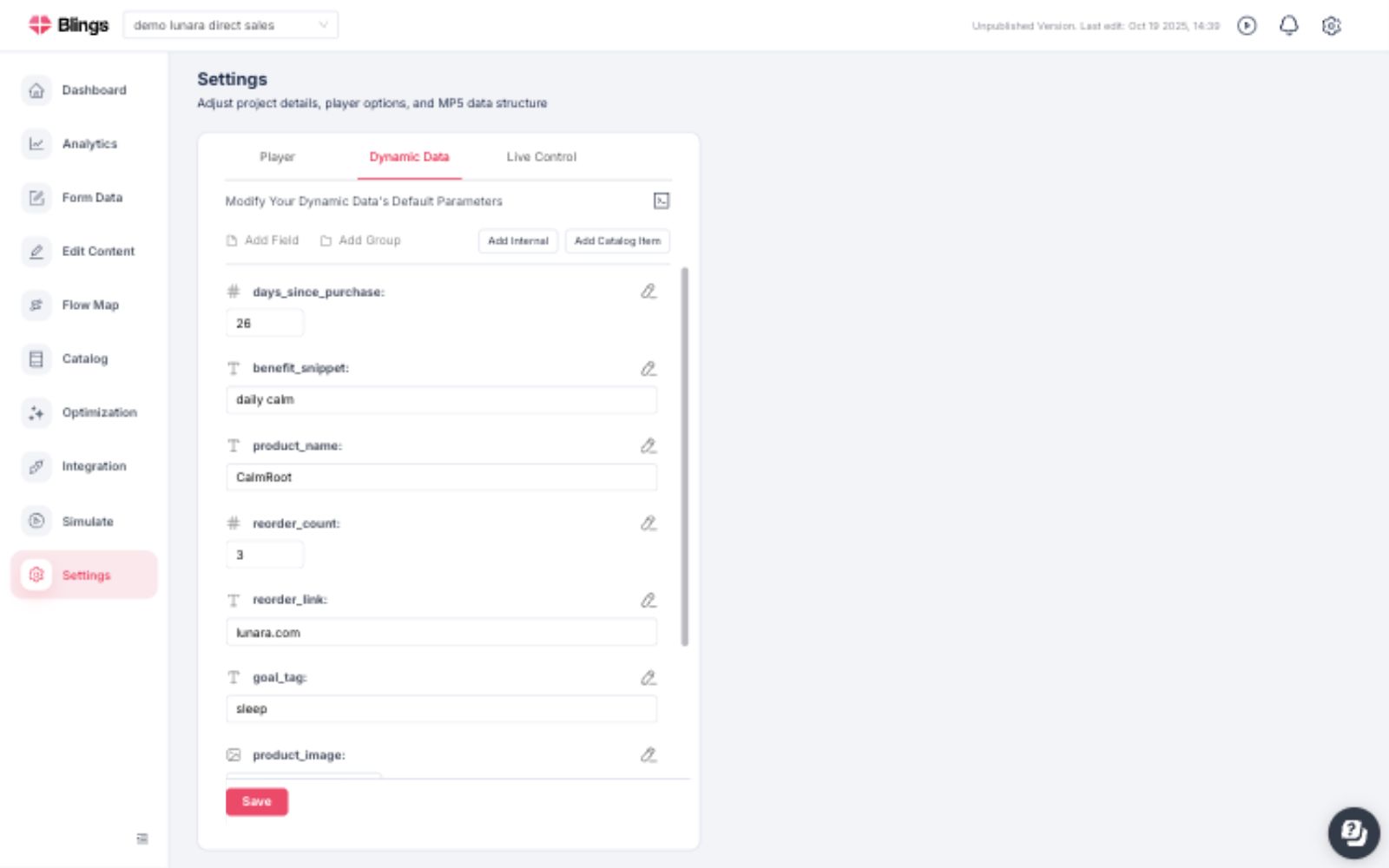
Blings Platform organizes the operational side of an MP5 project: performance, approved content edits, flow routing, project data, delivery methods, simulation, player behavior, form collection, catalog setup, and optimization. Use this guide to move from project health into the exact Platform area that owns the work.

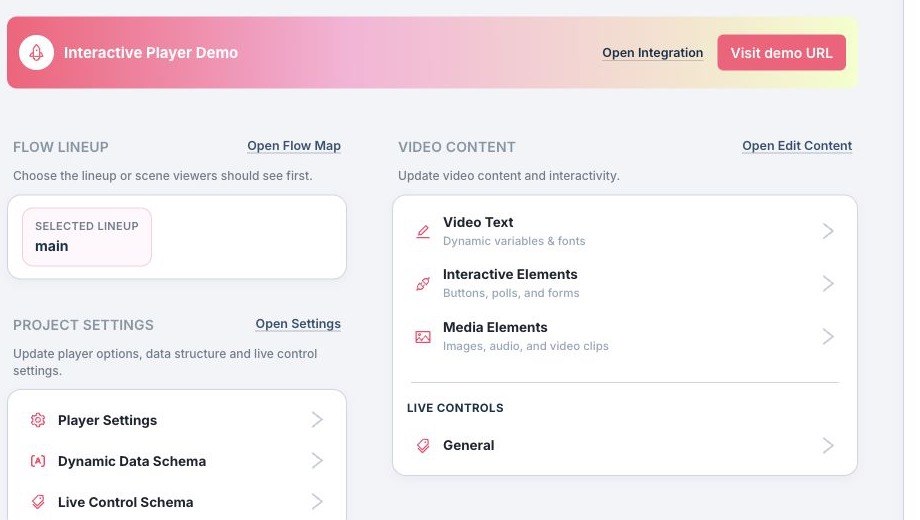
<figure><img src="/files/j1sRvHLaNNmll6YlqiRj" alt="Blings Platform operational shortcuts for project delivery and content controls"><figcaption></figcaption></figure>

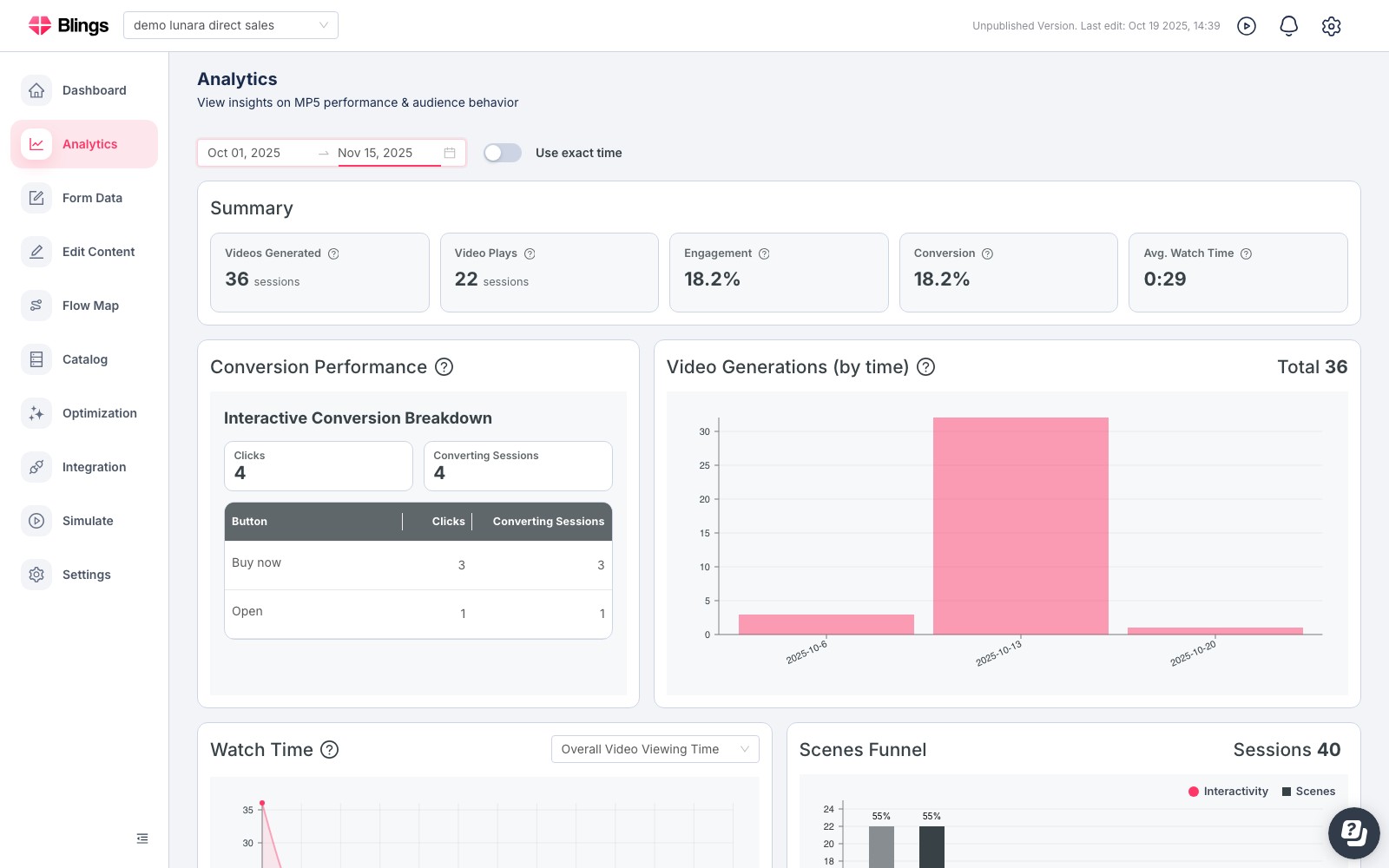
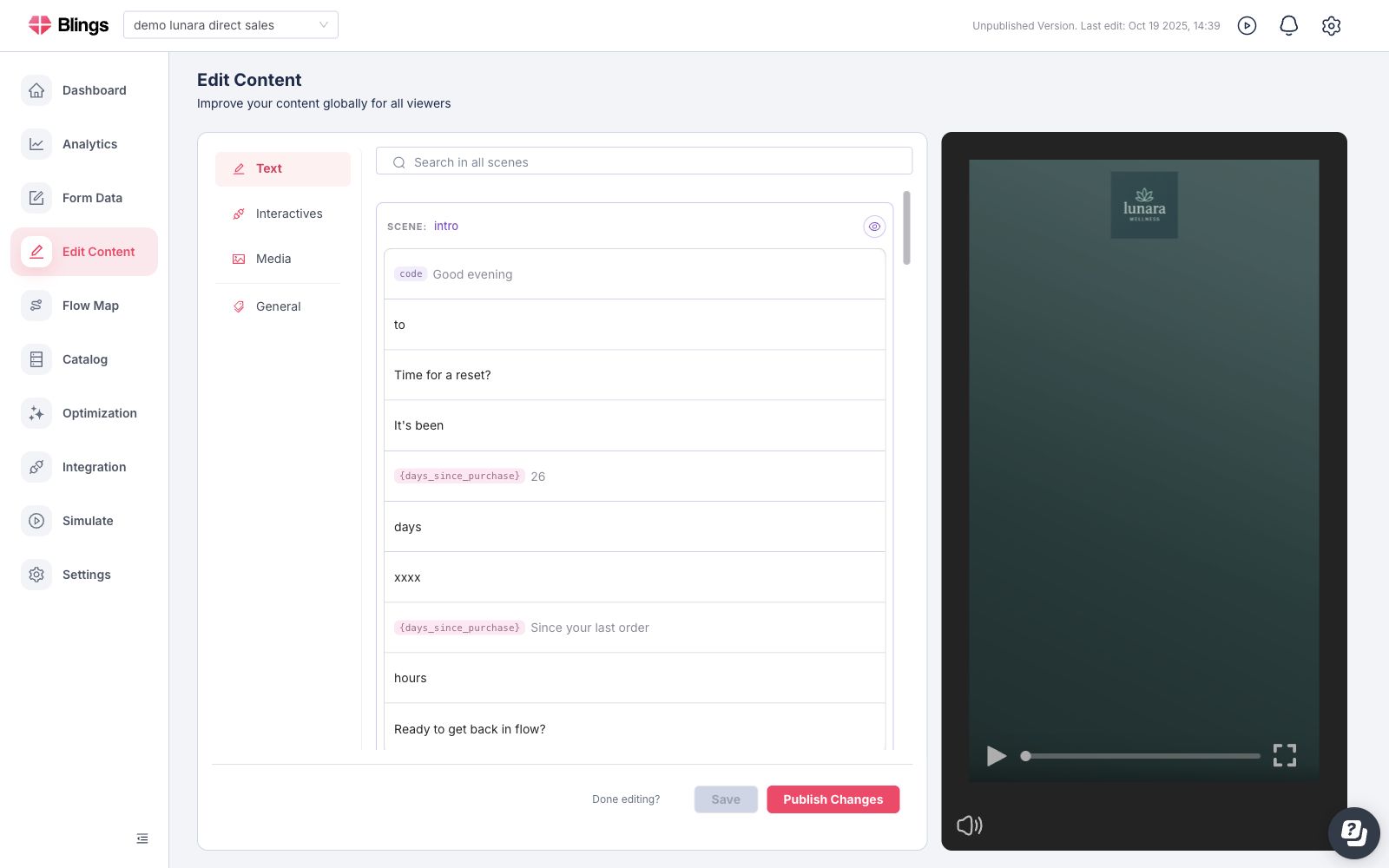
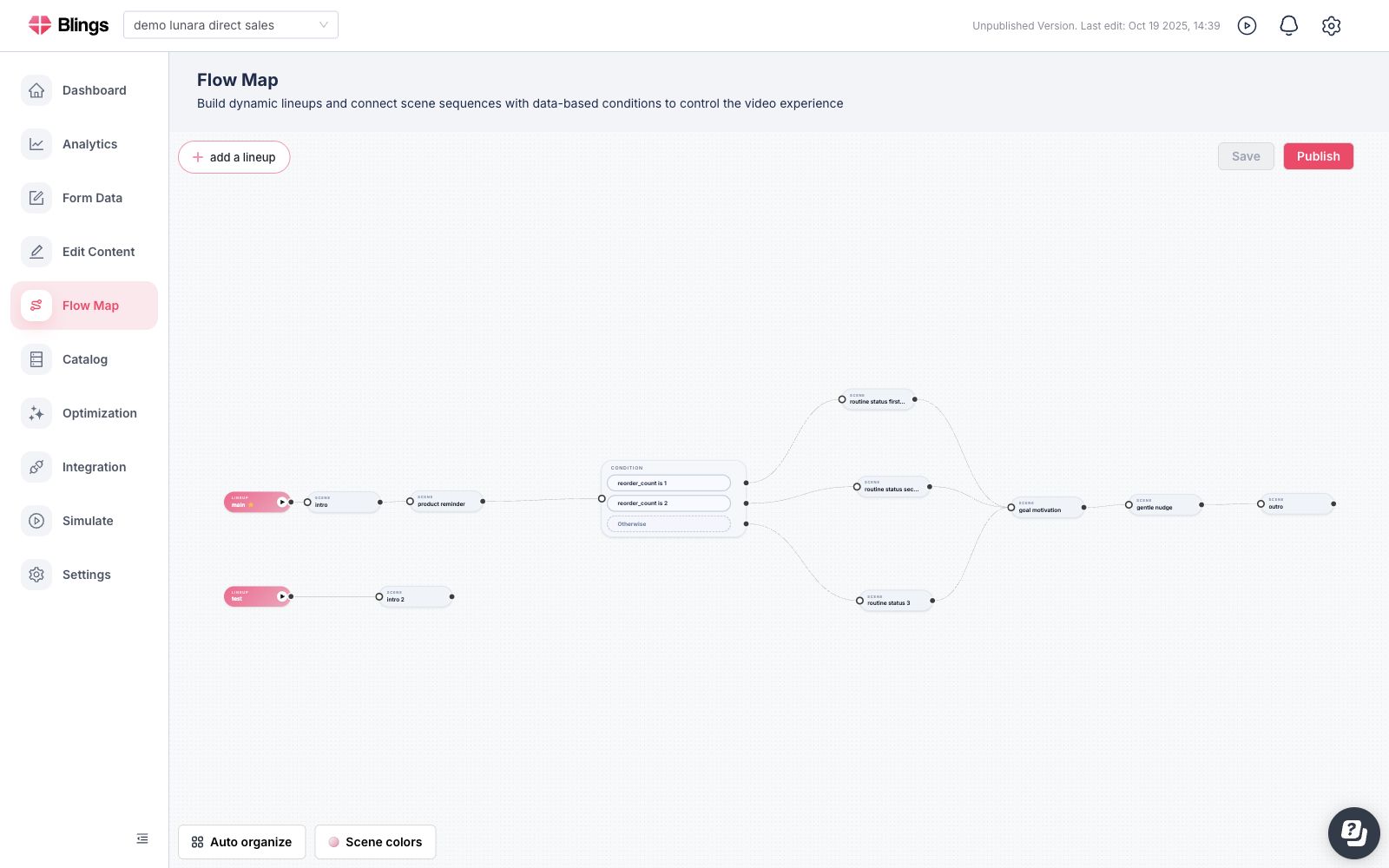
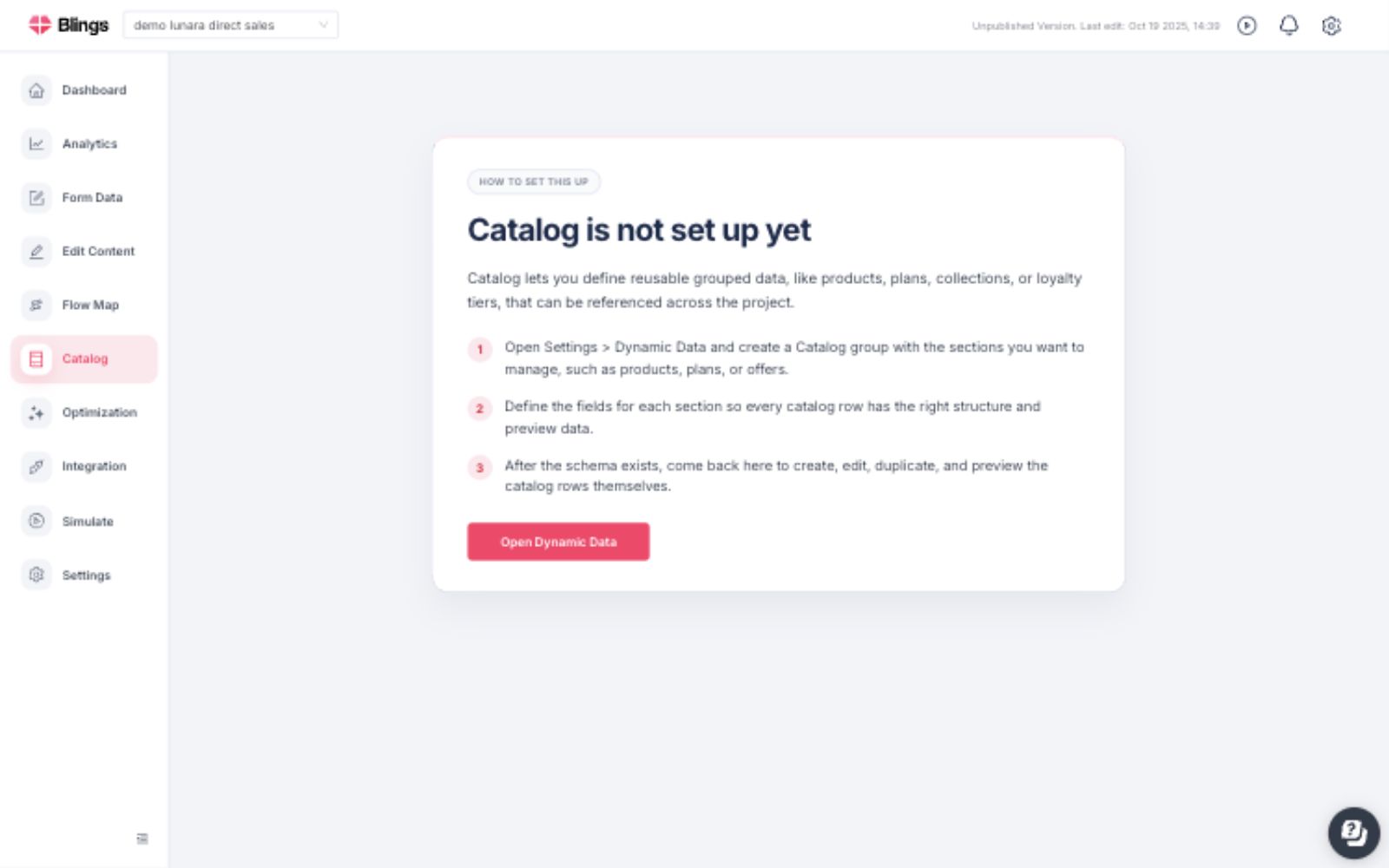
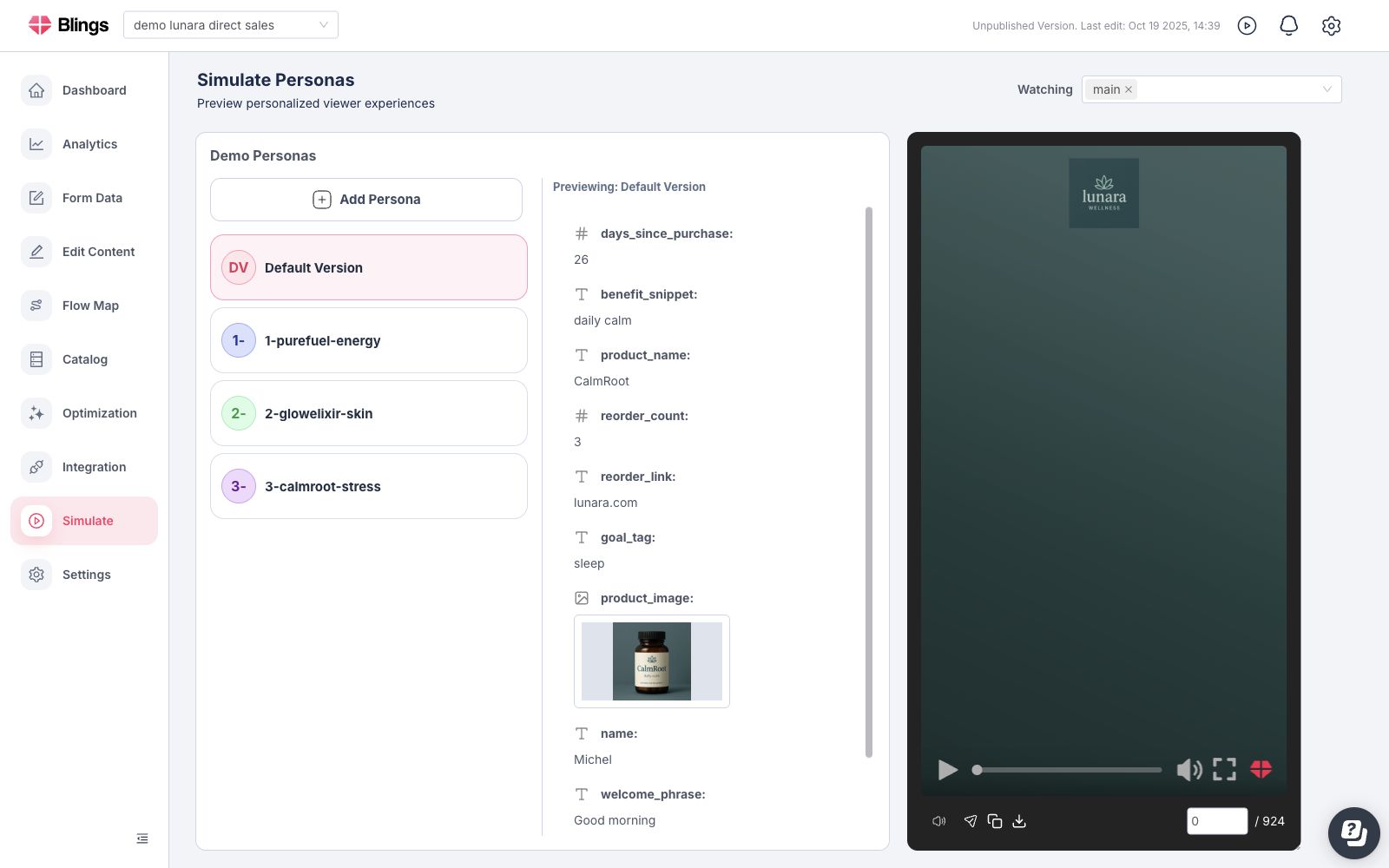
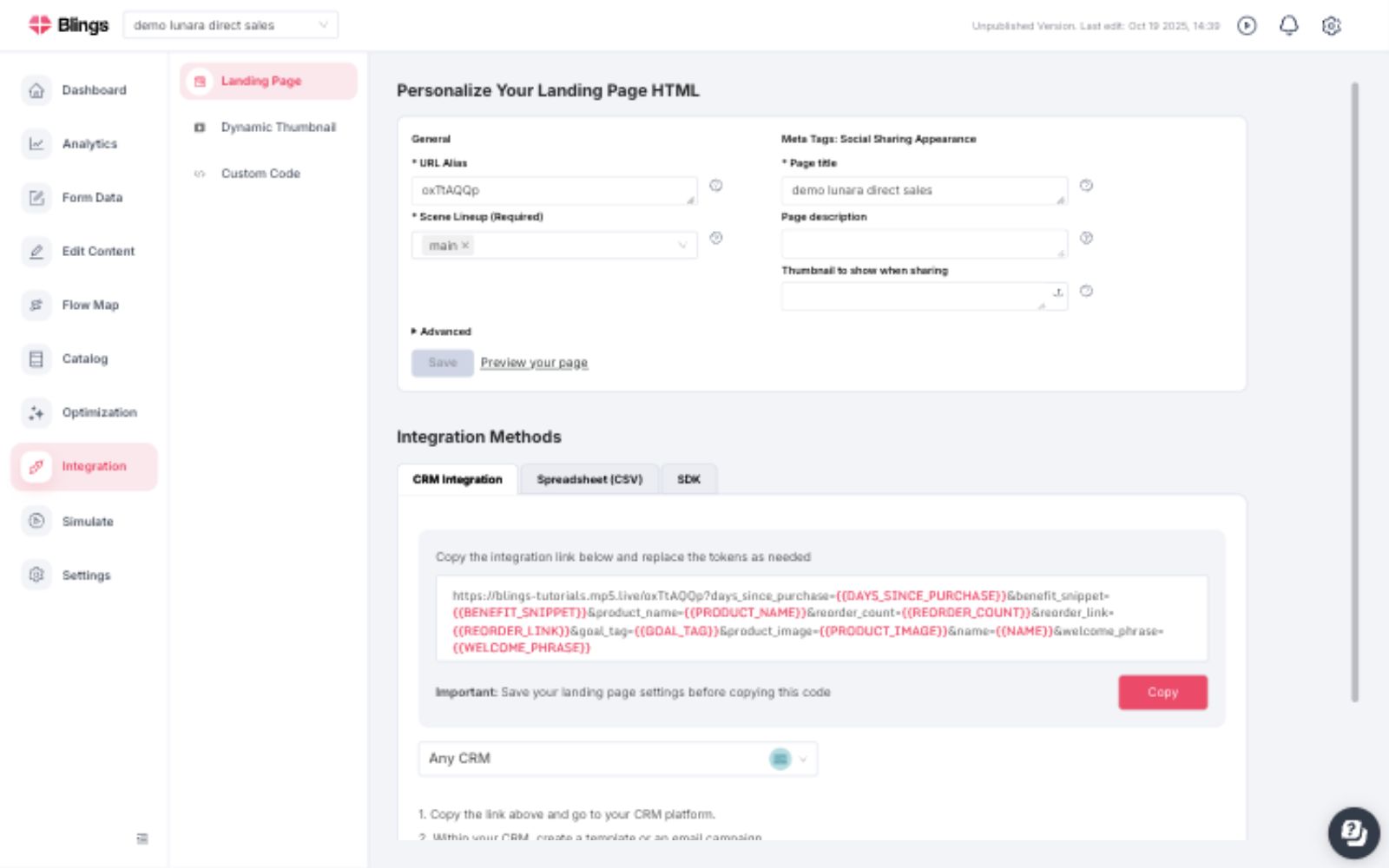
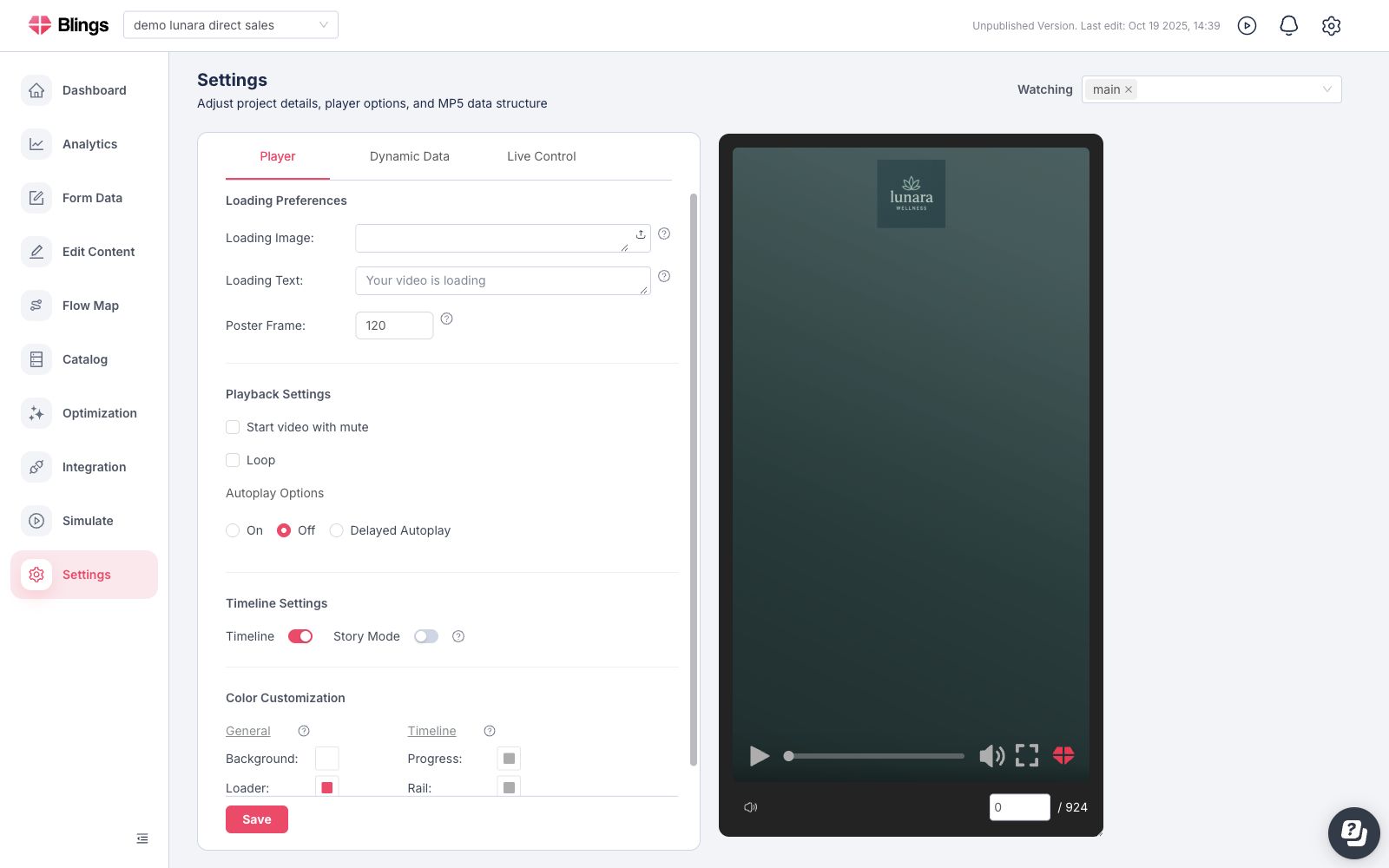
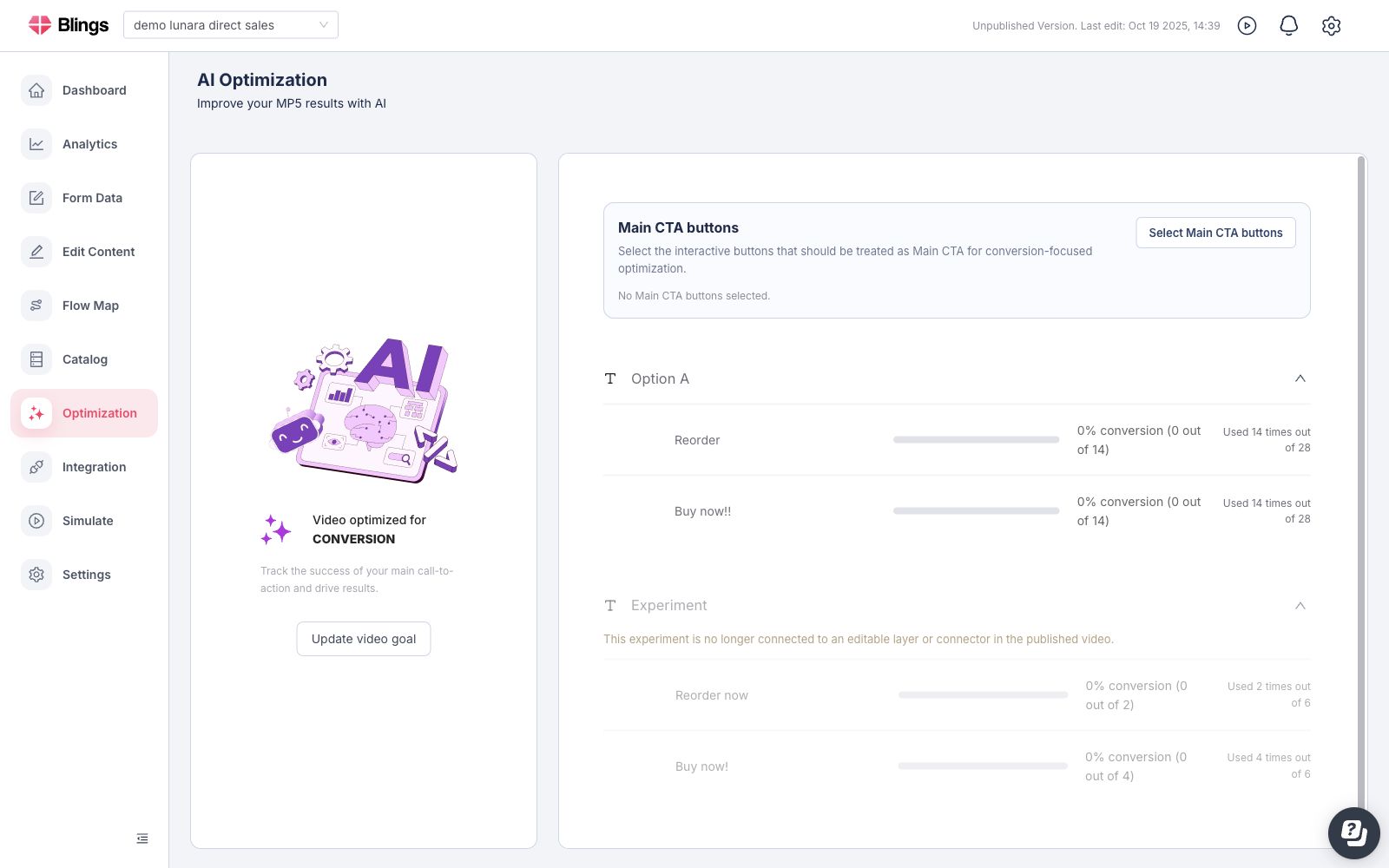
<table data-view="cards"><thead><tr><th></th><th></th><th data-hidden data-card-target data-type="content-ref"></th><th data-hidden data-card-cover data-type="files"></th></tr></thead><tbody><tr><td><strong>Dashboard and Analytics</strong></td><td>Track project health, player activity, engagement, conversion, and watch-time trends.</td><td><a href="/pages/15Y0k3Ob2rYei0wWF5ML">/pages/15Y0k3Ob2rYei0wWF5ML</a></td><td><a href="/files/Xvgtv6418TUz6mk4dFjG">/files/Xvgtv6418TUz6mk4dFjG</a></td></tr><tr><td><strong>Edit Content</strong></td><td>Update approved viewer-facing text, interactivity, media, and live-control values.</td><td><a href="/pages/aciZDfpMRgUstIteiN90">/pages/aciZDfpMRgUstIteiN90</a></td><td><a href="/files/GUONxEaCvEZyBKt4cJxj">/files/GUONxEaCvEZyBKt4cJxj</a></td></tr><tr><td><strong>Flow Map</strong></td><td>Route scenes through lineups, conditions, and A/B test paths from the shared project map.</td><td><a href="/pages/o3Uq9AhtjBVAMsxuyMFA">/pages/o3Uq9AhtjBVAMsxuyMFA</a></td><td><a href="/files/E1maDQEYmCK0CjmOaoSV">/files/E1maDQEYmCK0CjmOaoSV</a></td></tr><tr><td><strong>Data and Forms</strong></td><td>Define the data schema, live controls, and form-submission handling.</td><td><a href="/pages/tcTMJOKSy05H4hRxVQ8F">/pages/tcTMJOKSy05H4hRxVQ8F</a></td><td><a href="/files/EzcyJoBKnQLrQUEZhhcC">/files/EzcyJoBKnQLrQUEZhhcC</a></td></tr><tr><td><strong>Catalog</strong></td><td>Create reusable catalog records for products, offers, plans, collections, and recommendations.</td><td><a href="/pages/0k4JpO0nDjUiGGp6e2xi">/pages/0k4JpO0nDjUiGGp6e2xi</a></td><td><a href="/files/KY05JLwHF1BExhnBSiIl">/files/KY05JLwHF1BExhnBSiIl</a></td></tr><tr><td><strong>Simulation</strong></td><td>Preview the MP5 with test profiles and validate Dynamic Data, catalog values, links, media, and Flow Map paths.</td><td><a href="/pages/VkH17x1J2SH1VmvzEgwU">/pages/VkH17x1J2SH1VmvzEgwU</a></td><td><a href="/files/BHJQA8j98Hxlqhkmq9F9">/files/BHJQA8j98Hxlqhkmq9F9</a></td></tr><tr><td><strong>Integration</strong></td><td>Collect landing page URLs, CRM links, spreadsheet outputs, dynamic thumbnails, custom code, and SDK instructions.</td><td><a href="/pages/x3JPpFV8w1i0Dwwm10bj">/pages/x3JPpFV8w1i0Dwwm10bj</a></td><td><a href="/files/sxwukleOWBmX3mc0ay4k">/files/sxwukleOWBmX3mc0ay4k</a></td></tr><tr><td><strong>Settings</strong></td><td>Configure player loading, playback, timeline options, colors, Dynamic Data, and Live Control.</td><td><a href="/pages/RriIPSZvZmIDs2Zp9lFy">/pages/RriIPSZvZmIDs2Zp9lFy</a></td><td><a href="/files/4FECiLZr2S1L4nnRxzbE">/files/4FECiLZr2S1L4nnRxzbE</a></td></tr><tr><td><strong>AI Optimization</strong></td><td>Define the optimization target, Studio variants, Main CTA buttons, and post-launch metric loop.</td><td><a href="/pages/EmZktWe8K8JmCFOB3ynU">/pages/EmZktWe8K8JmCFOB3ynU</a></td><td><a href="/files/7gfL4XPpAqV5W42CTHTX">/files/7gfL4XPpAqV5W42CTHTX</a></td></tr></tbody></table>

{% hint style="info" %}
Some Platform areas depend on project setup or account configuration. When an area is not active, Platform shows the setup path or enablement guidance inside the same navigation area.
{% endhint %}