> For the complete documentation index, see [llms.txt](https://help.blings.io/llms.txt). Markdown versions of documentation pages are available by appending `.md` to page URLs; this page is available as [Markdown](https://help.blings.io/apps/blings-platform/simulation.md).
# Simulation
Preview MP5 projects with representative viewer data in Platform Simulation
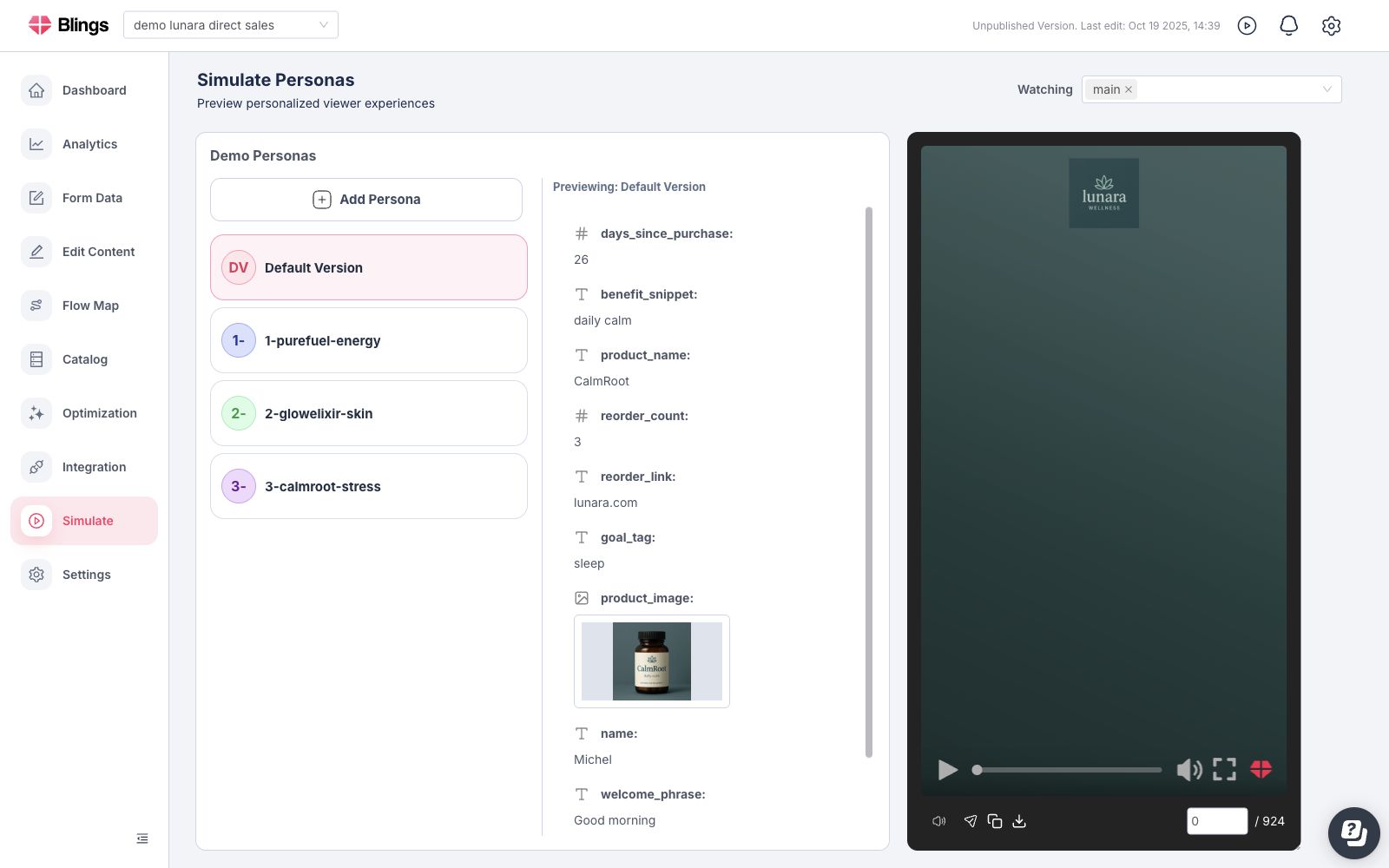
Simulation is the Platform QA workspace for previewing how an MP5 project behaves with representative viewer data. Use it to test Dynamic Data values, catalog references, Flow Map routes, Studio connectors, links, media, and interactive states before real viewers open the experience.
Simulation does not configure delivery URLs, CRM links, thumbnails, SDK code, or spreadsheet outputs. Those delivery assets are managed in [Integration](/apps/blings-platform/integration.md).
## When to Use Simulation
Use Simulation when:
* The project depends on Dynamic Data fields, catalog IDs, form values, or live-control values.
* A Flow Map condition chooses scenes based on viewer data.
* Studio connectors change text, media, links, colors, audio, visibility, countdowns, or custom behavior.
* You need example values for CRM tokens, URL parameters, CSV columns, or SDK payload keys.
* You need to test empty, long, invalid, or edge-case values before a campaign or product launch.
## What Simulation Checks
| Area | What to verify |
| --------------------------- | ----------------------------------------------------------------------------------------------------------------------- |
| Required fields | Every required Dynamic Data field has a realistic value or a deliberate fallback. |
| Text values | Names, offers, labels, disclaimers, and generated copy fit inside the designed layout. |
| Media values | Image, video, and audio URLs load successfully and use the intended fit, crop, or fallback. |
| Numbers and dates | Currency, balances, quantities, dates, countdowns, and time-based copy use the expected format. |
| Boolean and category fields | Values such as `is_premium`, `segment`, `plan`, or `language` route to the intended scenes and content. |
| Catalog references | Product, offer, plan, or recommendation IDs resolve to the right catalog records. |
| Links and actions | CTA URLs, form submit paths, share links, phone links, email links, and JavaScript actions perform the expected action. |
| Flow Map paths | Conditions, A/B tests, lineups, and fallback branches show the correct scenes for each profile. |
## Build Useful Test Profiles
Create profiles that represent the important viewer states, not only one happy path.
| Profile type | Example |
| ----------------- | ---------------------------------------------------------------------------------------------------------------- |
| Happy path | A viewer with every required field populated and valid. |
| Missing data | A viewer without an optional image, name, balance, offer, or catalog value. |
| Long content | A viewer with long names, product titles, addresses, or labels. |
| Routing edge case | A viewer near a condition boundary, such as low balance, high loyalty tier, expired plan, or renewal date today. |
| Media fallback | A viewer with an invalid image/audio URL or unsupported media ratio. |
| Locale variation | A viewer with a different language, currency, date format, or region. |
## Simulation Workflow
{% stepper %}
{% step %}
### Confirm the Data Schema
Open **Settings -> Dynamic Data** and confirm the field names, types, and required values that the MP5 expects.
{% endstep %}
{% step %}
### Select the Lineup or Flow
Use the same lineup or Flow Map path that the viewer should receive.
{% endstep %}
{% step %}
### Create or Select a Test Profile
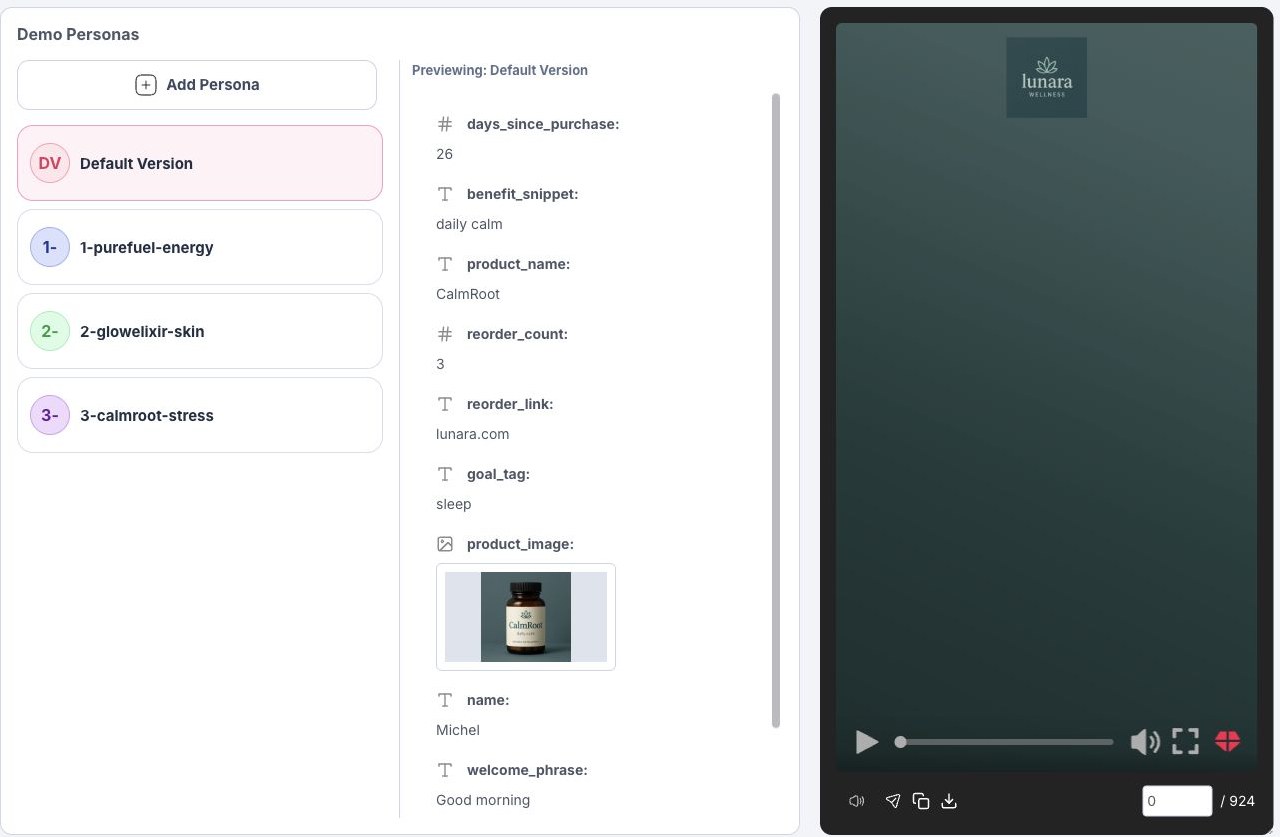
Fill the profile with representative field values. Keep field names aligned with the expected CRM merge tags, CSV headers, URL parameters, or SDK payload keys.
{% endstep %}
{% step %}
### Preview the Player
Use the preview player to check the rendered copy, media, links, scene order, conditions, and interactive actions.
{% endstep %}
{% step %}
### Repeat for Edge Cases
Test missing values, long values, invalid media, alternate segments, and important condition boundaries.
{% endstep %}
{% endstepper %}
{% hint style="warning" %}
Simulation proves the MP5 behavior with values entered in Platform. It does not prove that a CRM, CDP, backend API, CSV workflow, or mobile app is resolving data correctly. Test the delivery system separately before launch.
{% endhint %}
## Related Pages
{% content-ref url="/pages/tcTMJOKSy05H4hRxVQ8F" %}
[Data, Catalog, and Forms](/apps/blings-platform/data-catalog-and-forms.md)
{% endcontent-ref %}
{% content-ref url="/pages/RriIPSZvZmIDs2Zp9lFy" %}
[Settings](/apps/blings-platform/settings-and-optimization.md)
{% endcontent-ref %}
{% content-ref url="/pages/o3Uq9AhtjBVAMsxuyMFA" %}
[Flow Map basics](/apps/blings-platform/flow-map.md)
{% endcontent-ref %}
{% content-ref url="/pages/0k4JpO0nDjUiGGp6e2xi" %}
[Catalog](/apps/blings-platform/catalog.md)
{% endcontent-ref %}